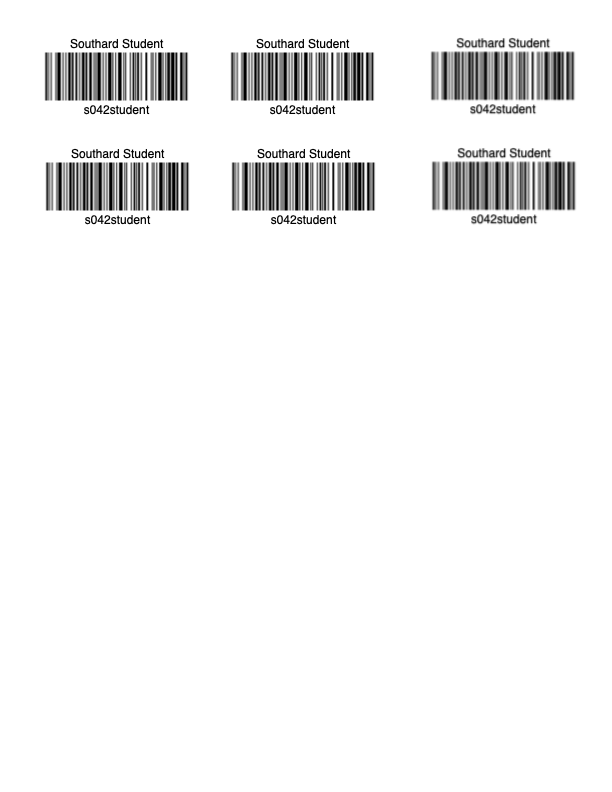
Lunch Barcodes
Printing Lunch Barcodes
Teachers are able to print lunch barcodes for their students using the Rostering Portal available in ClassLink.
-
Click on the Rostering Portal in ClassLink.

- (Alternatively, go to https://rostering.princetonisd.net and click Sign In with ClassLink)
- (Alternatively, go to https://rostering.princetonisd.net and click Sign In with ClassLink)
-
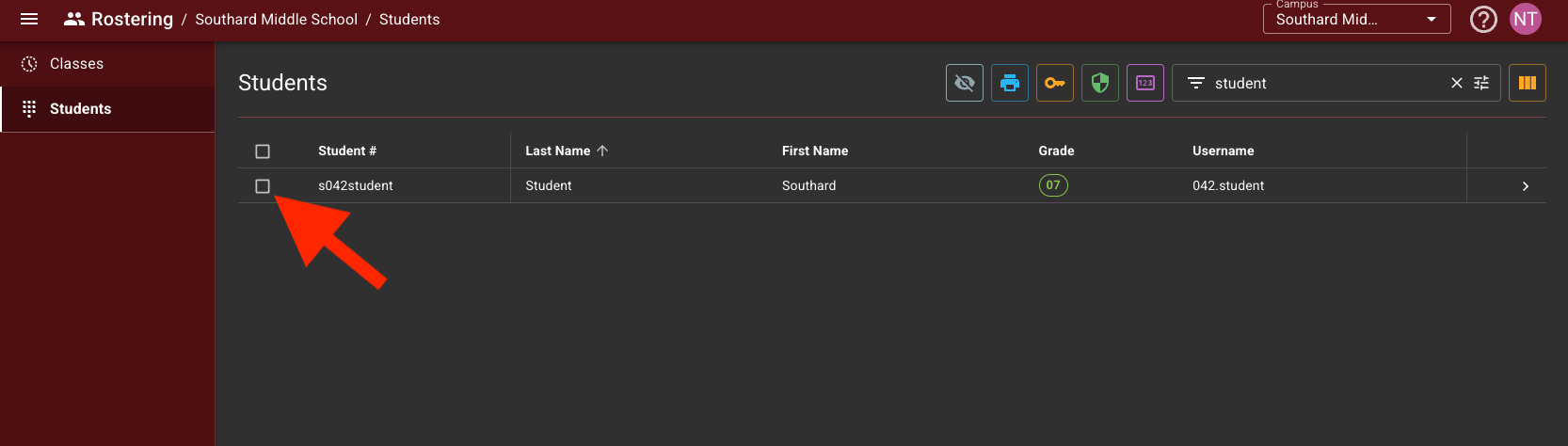
Select the students you want to print using the check boxes on the left.

-
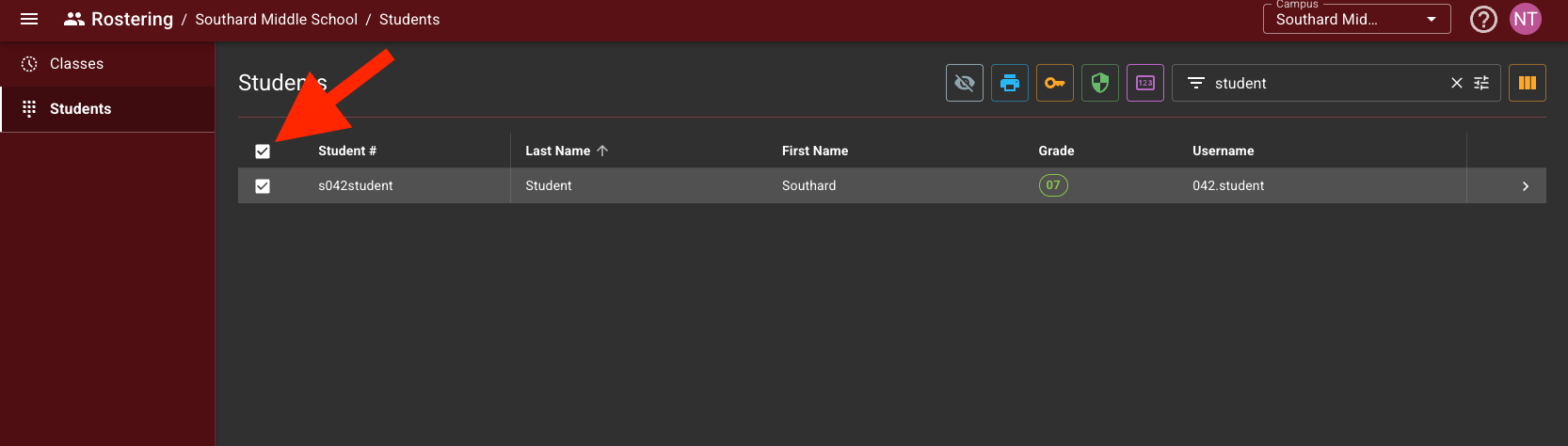
To select all students, click the check box on the header row.

-
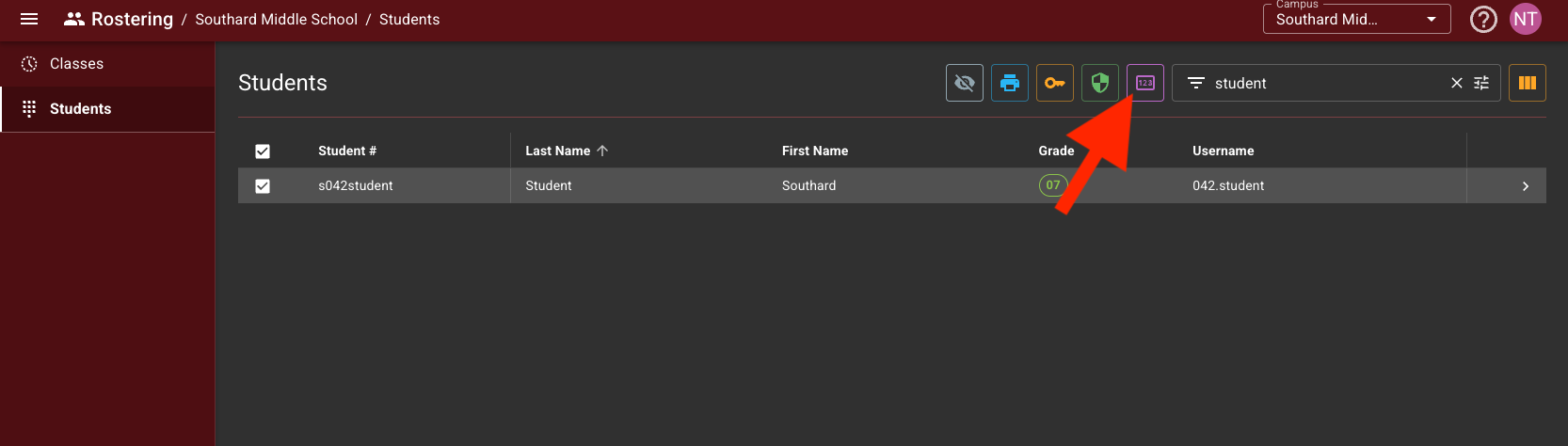
- Click the purple barcode button at the top of the table

 A PDF will be generated which can then be printed, cut, and laminated.